


Gopay Balance or previously known as Go Wallet is a virtual wallet for storing GO-JEK credit balances which can be used to pay for various transactions related to services in the GO-JEK application.
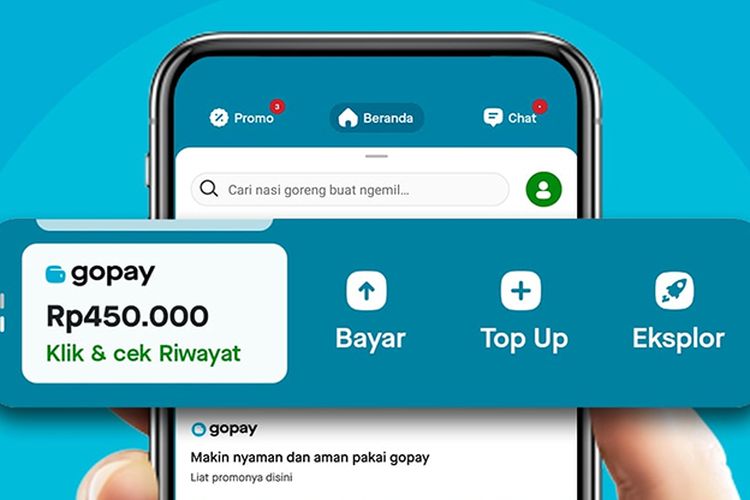
To use the GO-PAY service, users must ensure that they have sufficient balance to make GO-JEK service transactions, therefore the Go-Pay balance must be topped up or top up through the Go-Jek driver itself, or online Go-Pay e-money balance top-up services such as kiosk.
For GO-PAY services, you can make payments more easily for all services available from the GO-JEK application such as:
Transportation payment (GO-RIDE GO-CAR and Bluebird)
Food delivery service (GO-FOOD).
Provision of payment services or transportation goods (GO-Send and BOX).
Payment for reservation and purchase of movie tickets (GO-TIX).
GO-Clean cleaning services.
Grocery payment services (GO-Mart and GO-SHOP).
Payment of utility bills, BPJS, Google Play Vouchers, Multifinance and internet and cable TV.
Balance transfers to other users are only for verified accounts.
Withdraw the balance to the account for a verified account.
How to top up your E-Money Go balance
Following are the short steps for filling in or topping up your GoPay balance at the Kiosk:
Open the Kioser Application – Everything Can Sell.
Select Menu "Gojek Balance".
On the "Gojek Balance" page, fill in your Gojek account number, select the product category (Passenger GoPay balance) to buy.
Make sure the Destination's GO-Pay Account Number, Product Category (Gojek Passenger) and the nominal product to be purchased are correct, then tap "Buy Now".
Enter the Transaction Security PIN Code (Tap the cross eye symbol to make it easier to see the PIN Code), then tap "Continue", while tap "Cancel" to Return. Kioser application users can disable and enable this feature in their account application settings.
The Gojek Driver balance is for the Driver (the Ojol), while the Gojek Passenger balance is for Ordinary Users for Transactions such as Go-Food, Go-Bike, Go-Clean and other Gojek products.
Check "Save to Favorites" to add the number to the list of favorite numbers, so that it can be easily accessed again later automatically without the need to retype it manually.
Other References:


